Unsure whether to use popups or notification bars? Learn which converts better for your goals—and start boosting signups & sales instantly with Popskit.
When to Use Notification Bars Instead of Popups
Website visitors today expect smooth, distraction-free browsing. While popups are popular for capturing attention, they are not always the best choice. In many situations, notification bars work better and feel more user-friendly.
What Is a Notification Bar?
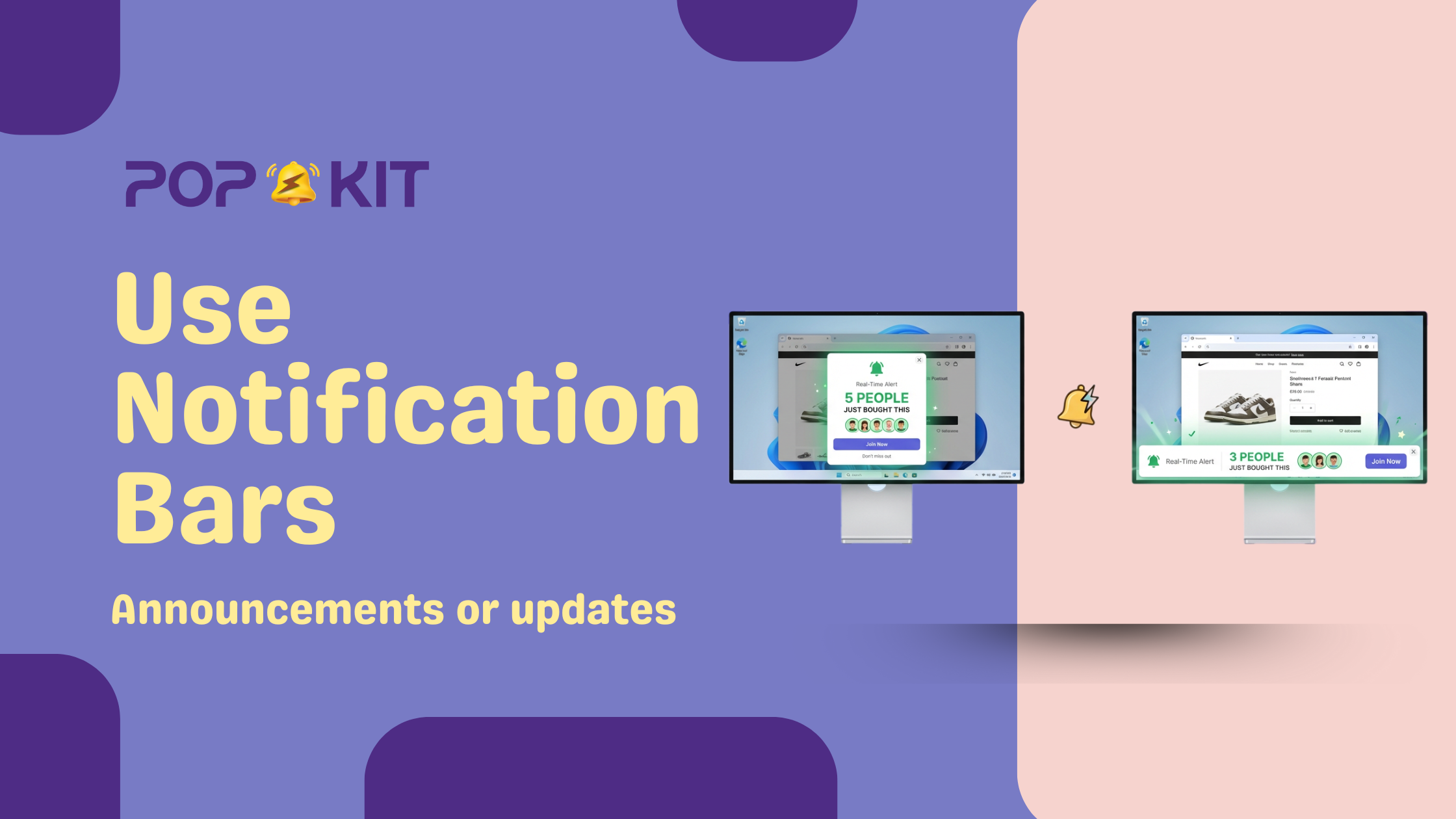
A notification bar is a slim message strip displayed at the top or bottom of a website. It stays visible without blocking content and gently informs visitors about updates, offers, or actions.
Common uses include:
- Free shipping alerts
- Limited-time offers
- Announcements or updates
- Cookie consent notices
- Feature launches
Because notification bars are subtle, users don’t feel interrupted while browsing.
What Is a Popup?
Popups appear in the center of the screen and usually demand immediate attention. They are often used for:
- Email sign-ups
- Discount codes
- Exit-intent offers
- Lead capture forms
While popups are effective, they can feel intrusive if used at the wrong time or too frequently.
Key Differences Between Notification Bars and Popups
Understanding the difference helps you choose wisely.
Notification Bars
- Non-intrusive
- Always visible without blocking content
- Better for passive messaging
- Ideal for announcements and reminders
Popups
- Highly attention-grabbing
- Interrupt user flow
- Best for strong CTAs
- Useful for lead generation
The choice depends on your goal and your audience’s browsing experience.
When Notification Bars Are the Better Choice
Here’s When to use notification bars instead of popups for maximum impact without hurting user experience.
1. When You Want Zero Interruption
If your visitors are reading blogs, browsing products, or exploring features, interruption can increase bounce rates. Notification bars let users stay focused while still seeing your message.
2. When Sharing Important Information
For announcements like service updates, holiday schedules, or new feature launches, notification bars ensure visibility without forcing action.
3. When You Need a Persistent Message
Unlike popups that close and disappear, notification bars stay visible as users scroll, making them perfect for ongoing offers or reminders.
4. When Mobile Experience Matters
On mobile screens, popups can feel overwhelming. Notification bars are cleaner and adapt better to smaller screens.
5. When Building Brand Trust
Subtle communication feels respectful. Overusing popups can frustrate users, while notification bars maintain a positive brand experience.
This is a major reason When to use notification bars instead of popups becomes a critical UX decision for modern websites.
When Popups Still Make Sense
Notification bars aren’t a replacement for everything. Popups work better when:
- You need immediate action
- You’re capturing emails or leads
- You’re offering high-value discounts
- You’re using exit-intent logic
The smartest websites use both but strategically.
Best Practices for Using Notification Bars Effectively
To get the most from notification bars:
- Keep the message short and clear
- Use strong but friendly CTAs
- Avoid clutter or too many colors
- Make it easy to close or hide
- Match your brand style
Tools like PopsKit allow you to design notification bars that blend naturally into your website without any coding.
SEO & UX Benefits of Notification Bars
Search engines favor websites with better user experience. Since notification bars:
- Reduce bounce rates
- Improve engagement
- Avoid intrusive interstitial penalties
They indirectly support SEO performance. That’s another reason marketers carefully evaluate When to use notification bars instead of popups as part of conversion optimization.
How PopsKit Helps You Use Notification Bars Smartly
PopsKit makes it easy to:
- Create clean notification bars in minutes
- Target specific pages or visitors
- Schedule time-based messages
- A/B test messages for better results
- Combine bars with popups when needed
You get flexibility without compromising user experience.
Final Thoughts
Choosing between popups and notification bars isn’t about trends it’s about intent. If your goal is visibility without disruption, notification bars are often the better option.
Understanding When to use notification bars instead of popups helps you communicate clearly, respect users, and still drive conversions.
The best strategy is balance use popups for action, and notification bars for awareness.
FAQs
1. Are notification bars better than popups?
They are better for non-intrusive communication, but popups still work well for lead capture.
2. Do notification bars affect SEO?
positively. They improve user experience and avoid intrusive penalties.
3. Can I use both on the same website?
Many high-converting websites use both strategically.
4. Are notification bars mobile-friendly?
They perform better than popups on smaller screens.
5. Can PopsKit help customize notification bars?
PopsKit allows full customization, targeting, and scheduling without coding.